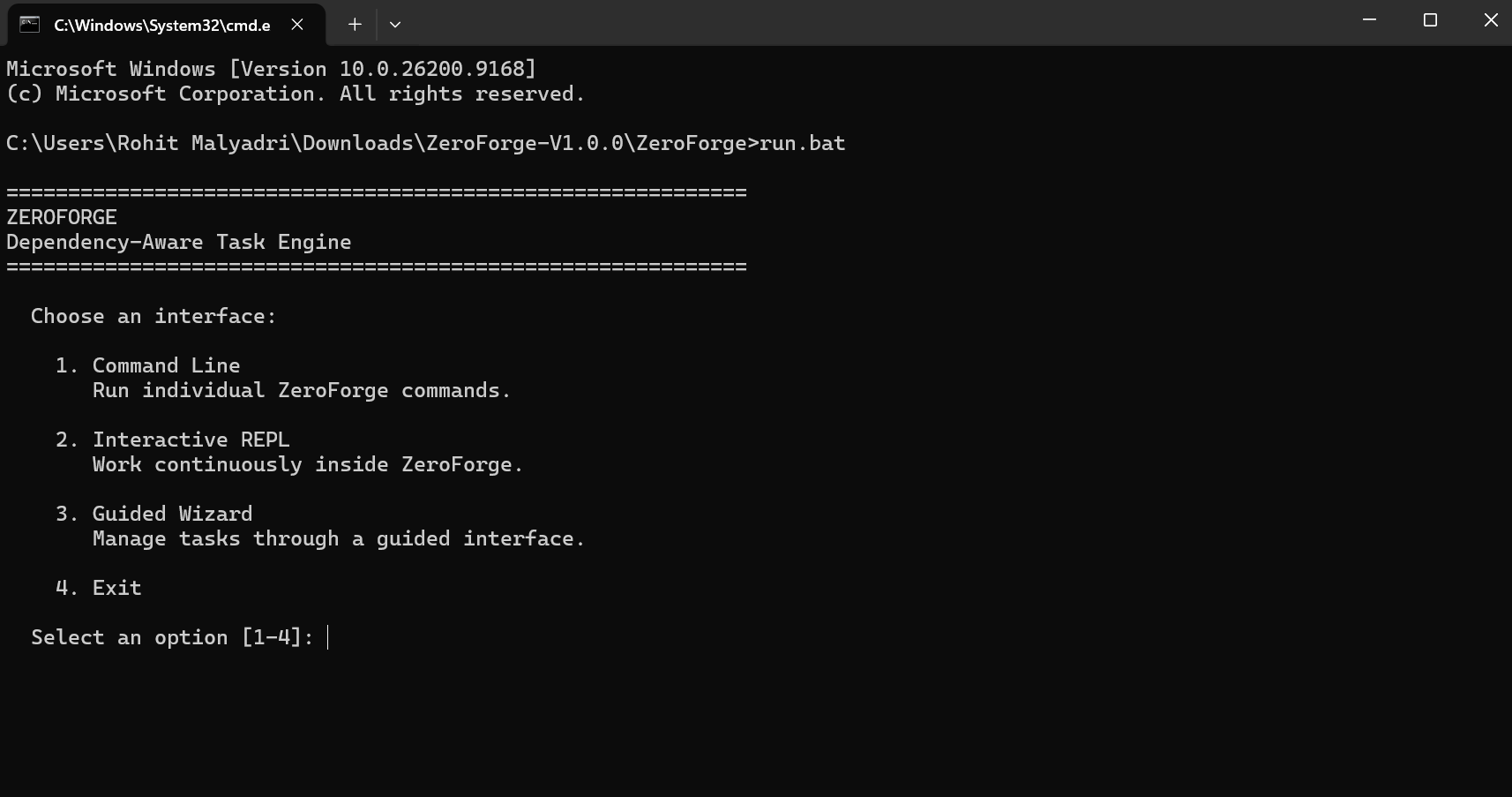
Start ZeroForge
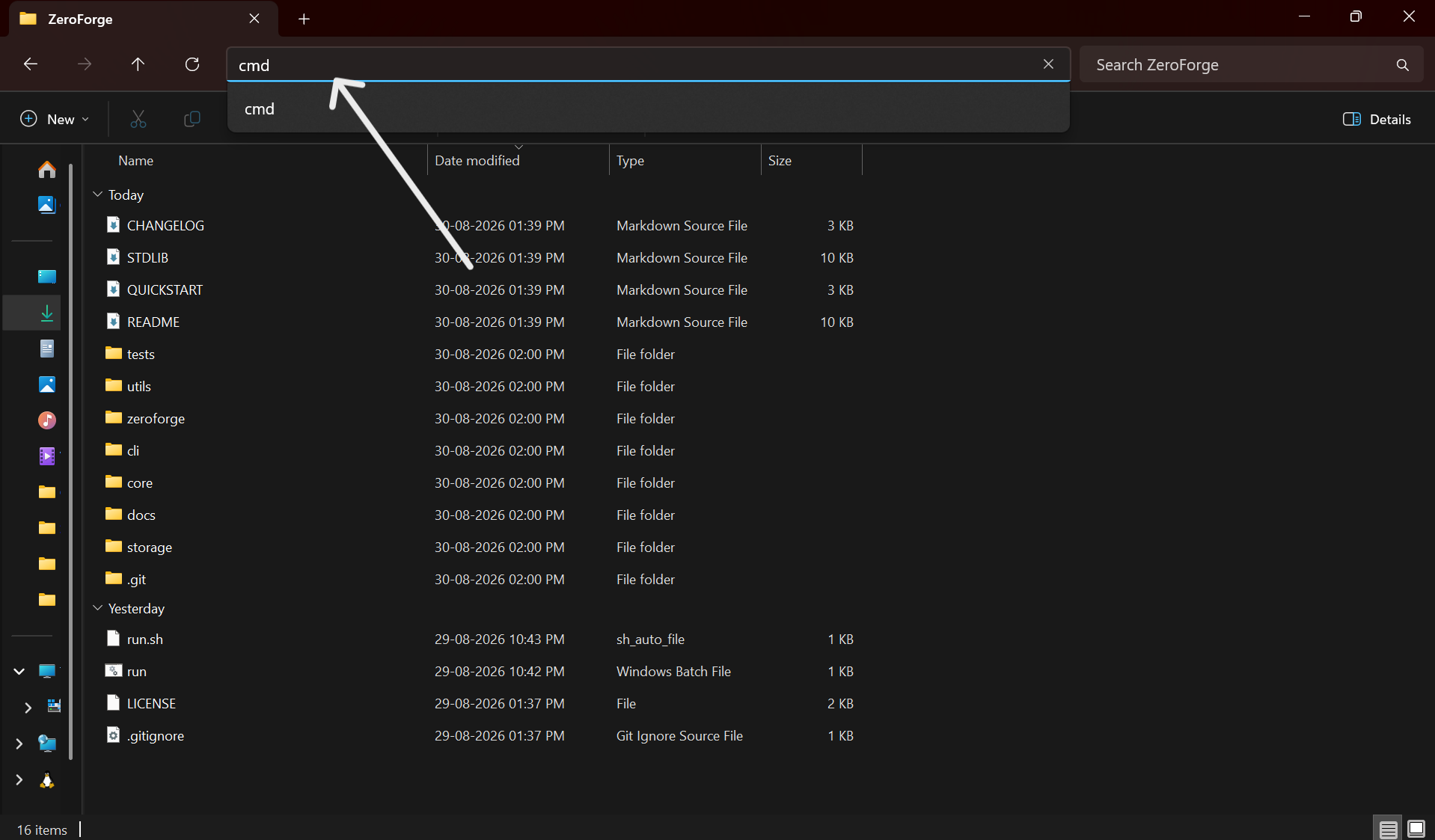
After extracting the ZIP, open the project folder in Command Prompt and run the launcher.
run.bat
This is the quickest way to open the ZeroForge menu for the built-in interfaces.
ZERO-DEPENDENCY TASK ENGINE
A dependency-aware task management engine built entirely with Python's standard library.
Download, extract, and start managing your tasks locally.
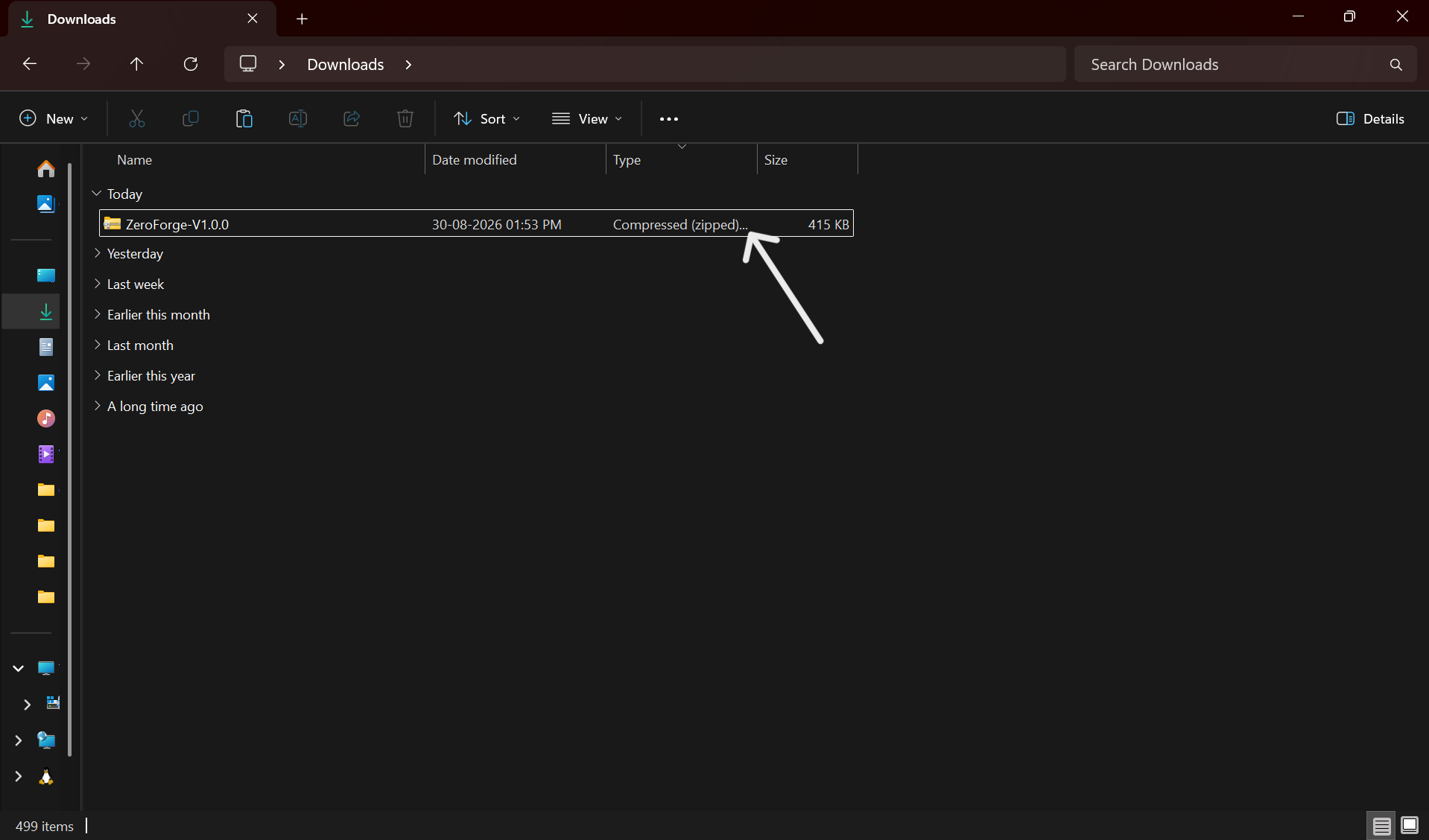
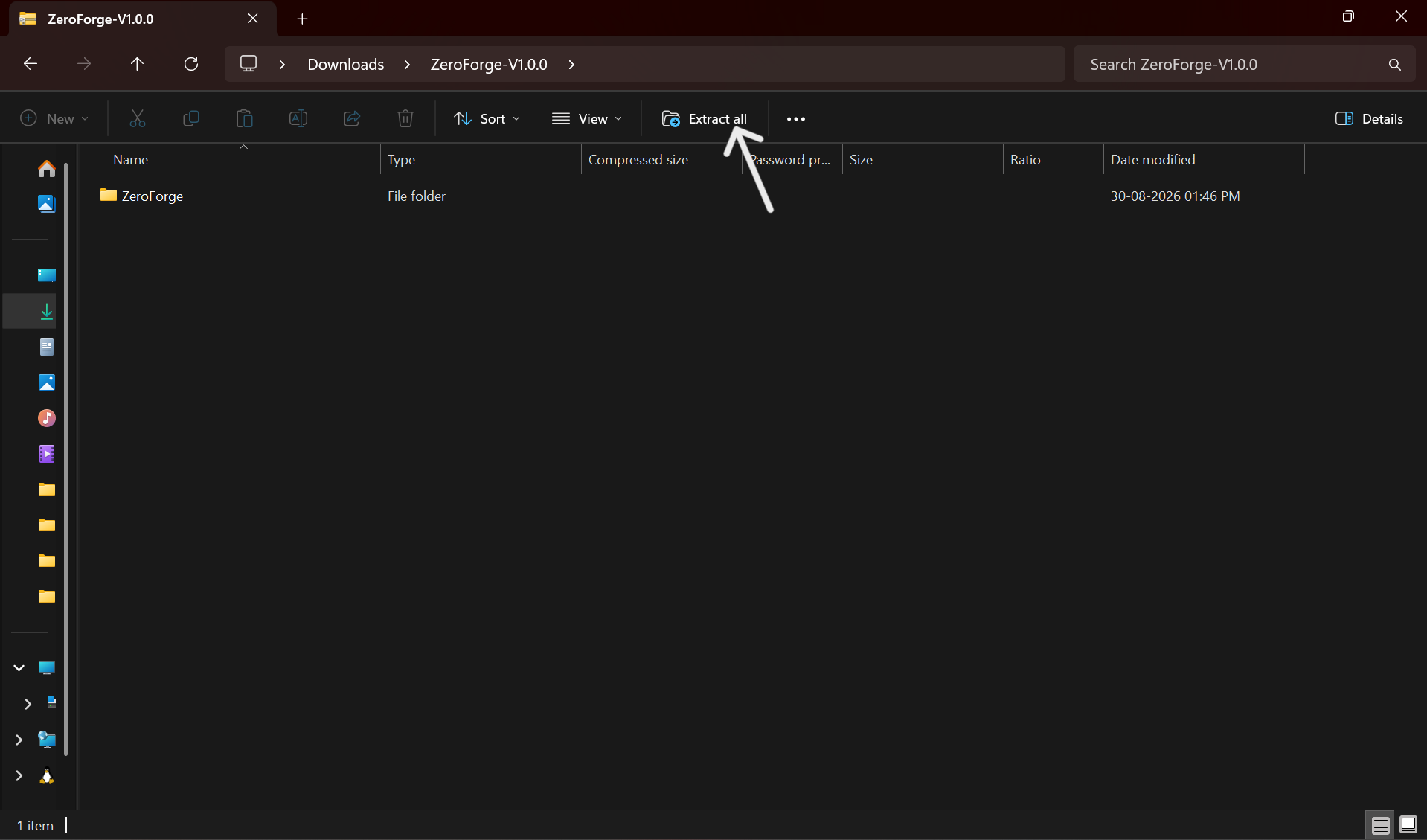
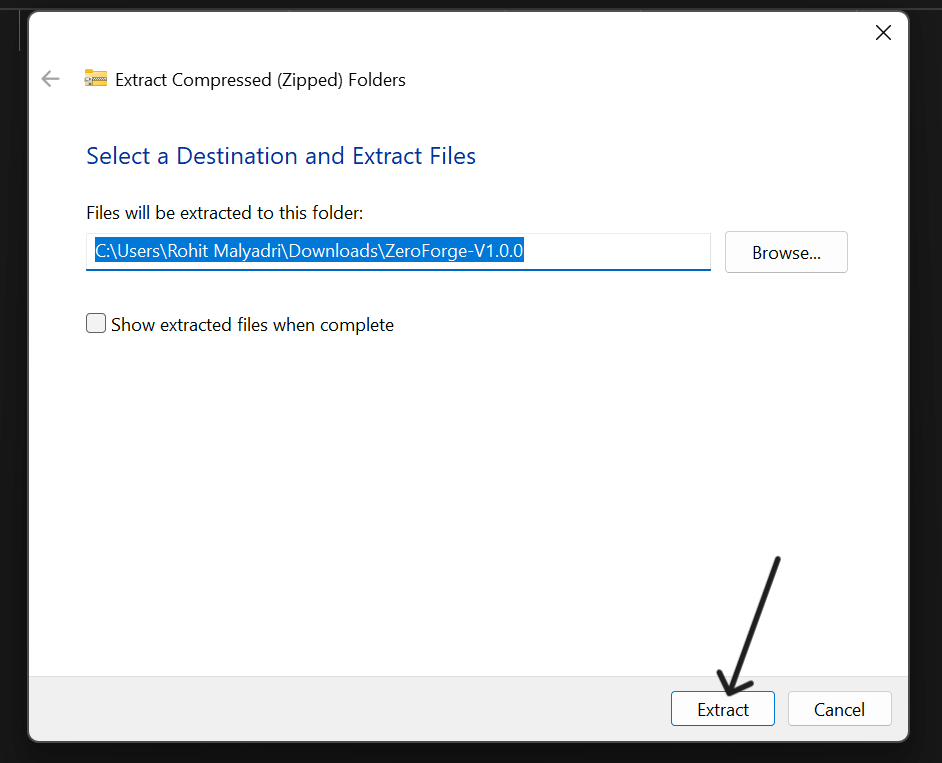
ZeroForge-V1.0.0.zip.ZeroForge folder.run.bat.
run.bat.
After extracting the ZIP, open the project folder in Command Prompt and run the launcher.
run.bat
This is the quickest way to open the ZeroForge menu for the built-in interfaces.
Pick the workflow that matches how you want to work.
Once the interface is open, create a task you can actually work on.
task add "Ship landing page"
This creates your first task and gives ZeroForge something to track.
ZeroForge is built around task relationships. A task can depend on another task being finished first.
task add "Prepare assets"task add "Publish release" --depends-on "Prepare assets"
Task B becomes dependent on Task A, so the tool can understand the correct order.
Check what is queued, blocked, or ready next.
task list
1. Prepare assets
2. Publish release (blocked until Prepare assets is complete)
ZeroForge understands the relationships between your tasks, not just the tasks themselves.
Create, update, complete and organize tasks directly from your terminal.
Connect tasks together and understand which tasks are blocked or ready.
Identify what you can work on next using the dependency graph.
Fast command-line operations for developers who want direct control.
Choose between an interactive REPL or a guided interface.
No pip packages, frameworks or third-party runtime libraries.
ZeroForge was built for the Zero Dependency hackathon to explore how far a useful developer tool can go using only Python's standard library.